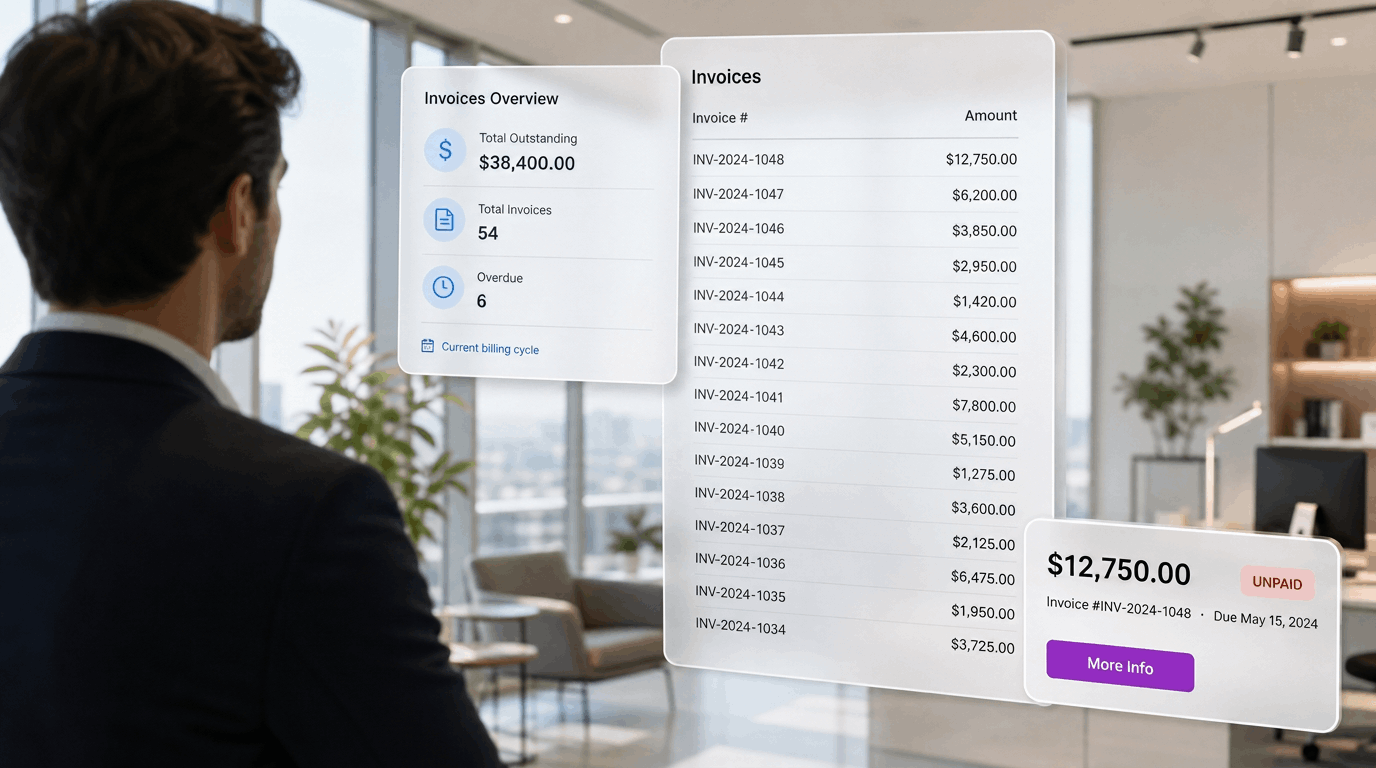
AP automation tools promise faster payments and fewer errors. Most are built to work with any ERP, which sounds flexible but rarely fits how SAP Business One actually works. When a tool sits loosely on top of SAP B1, you get sync gaps you can't trace back to cash, discrepancies in approval chains before an auditor even notices and reconciliation you still have to fix by hand, requiring additional hours to finalize the month-end or quarter-end close.
The right tool should make SAP Business One AP automation feel native, not bolted on. These eight questions help you tell the difference before you sign anything.
Not all integrations are equal. Some tools export a file that you upload into SAP later. Others write coded AP invoices and journal entries straight into your general ledger and vendor records. Ask whether the tool is a true ERP add-on for SAP Business One or a generic platform with an SAP B1 integration attached later; native depth is what keeps SAP as your system of record.
Two-way and three-way matching sound standard, but the implementation varies. Some tools copy your purchase order data into their own database and match invoices there. Others read directly from SAP Business One's PO and GRPO tables, so your matching logic stays tied to the records your buyers actually created. When a discrepancy surfaces, you want to be working from the same data your purchasing team sees.
Vendor payment approval should match how your finance team already works: approval tiers, spend thresholds, and segregation of duties. Many tools offer one rigid approval path and expect you to adapt to it. Ask whether the tool can route invoices using fields native to SAP, like business partner groups or document amounts, without building a parallel approval structure. Control over the approval chain is what keeps payments accurate and audit-ready.
Look for a tool that captures invoice data, matches it to purchase orders, and flags exceptions before payment. The real test is what happens to the invoices that don't match. Ask whether exceptions land in a clear queue, whether reviewers can correct the match, and whether that correction is visible back in SAP. Exception handling tells you whether the tool catches a mismatch before it reaches your cashbooks, or lets it slide through and skew your inventory valuation in SAP.
Vendor payment approval is only half the workflow. The other half is generating the payment file and matching that activity against your bank once it clears. Some tools make you manually rebuild each vendor payment from scratch in your bank's portal. FastBank, for example, picks up the payment run directly from SAP Business One and generates the banking file for you, so your team isn't re-entering payment data by hand. Once the bank processes it, that activity gets matched back against your AP records, keeping payment status visible in SAP. Ask whether the tool also confirms the vendor and payment details match what was approved before the payment actually runs.
A tool that fits SAP Business One should layer onto your existing payment infrastructure, not force a rip-and-replace. Migration means downtime, retraining, and risk during your close cycle. Ask whether you can adopt the tool without changing your bank connections or workflows. A no-migration fit lets you improve AP automation without disrupting month-end.
If your company runs multiple entities inside SAP Business One, each with its own bank accounts, mapping becomes critical. Miss a bank account or misconfigure how it connects to your chart of accounts, and reconciliation has a gap before the tool even starts. Ask whether the tool supports multi-entity setups and whether configuration scales as you add company codes or bank relationships over time.
The goal isn't just faster invoice processing, it's a close you can trust. When invoices are captured, matched, and coded correctly before they post, reconciliation delays are far less frequent. Ask how the tool affects your close timeline and whether it connects bank reconciliation with AP posting. Every approval and payment should leave a timestamped record you can trace inside SAP B1, so month-end becomes a review instead of a scramble.
AP automation for SAP Business One covers tools that capture invoices, match them against purchase orders or goods receipts, route them through approvals, and post them into SAP without manual keying. The scope can extend to payment execution and bank reconciliation.
SAP Business One handles core AP functions like vendor master data, A/P invoice posting, and payment runs. It does not natively capture invoices, extract line-item data, or automate matching. Those upstream steps generally require a third-party tool or add-on.
Vendors often cite automation rates around 80%, but that figure depends on how well the tool's matching rules align with your own transaction patterns. Exception handling matters as much as the headline number, so weigh both.
Those eight questions separate real SAP Business One integration from a plug-in that just points at it. Most tools handle some of them well but sidestep the rest.
FastBank is a finance automation tool built to integrate natively with SAP Business One for AP automation. It works with SAP B1 as the system of record, so vendor records, approvals, and reconciliation stay consistent. Payments run through your existing setup: no migration, and no second source of truth. Your team keeps control of the approval chain and closes the month with a clear audit trail.
See how FastBank handles AP automation inside SAP Business One → fastbank.io

.png)
.png)