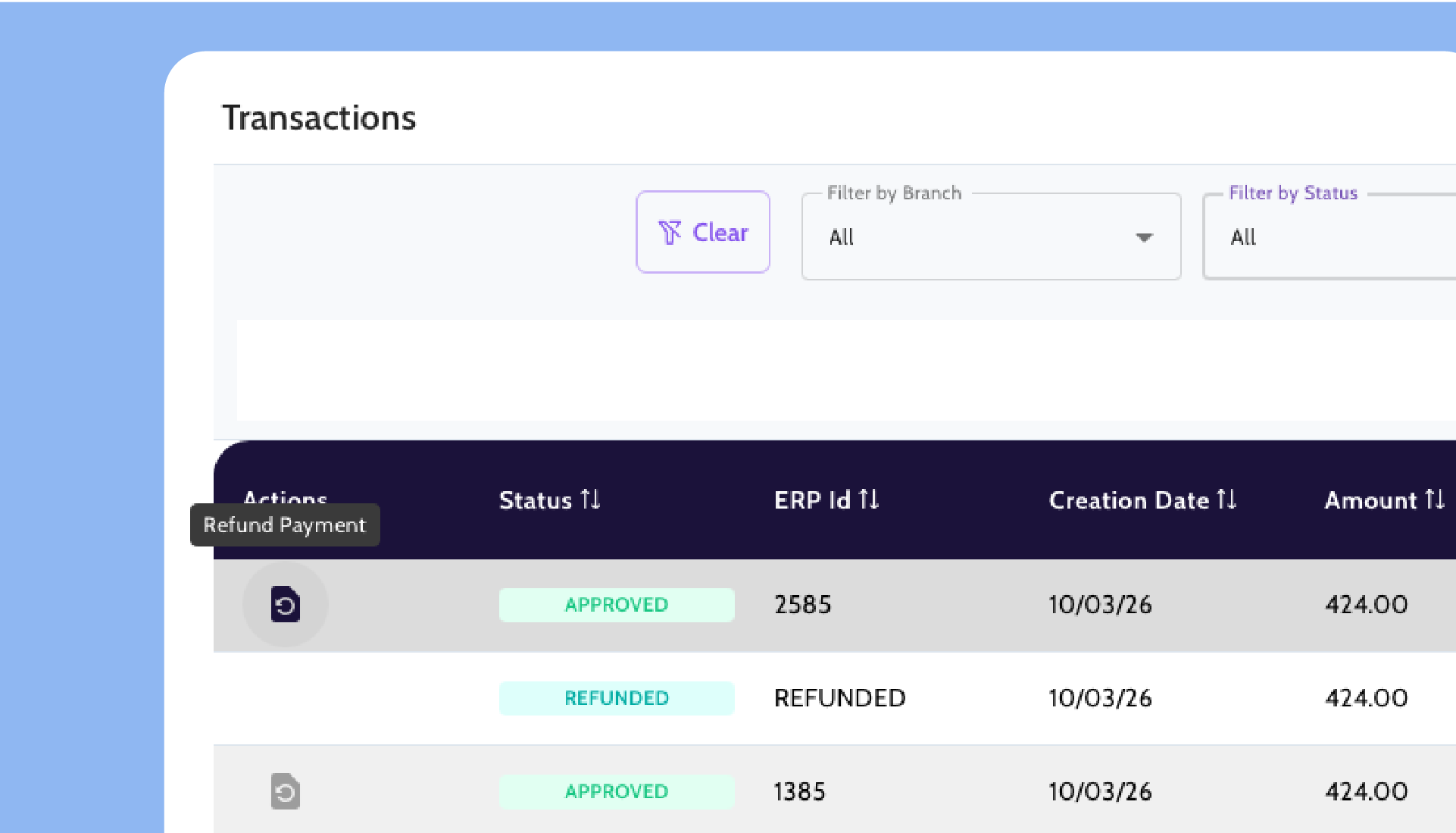
Accept and close customer payments inside SAP Business One.
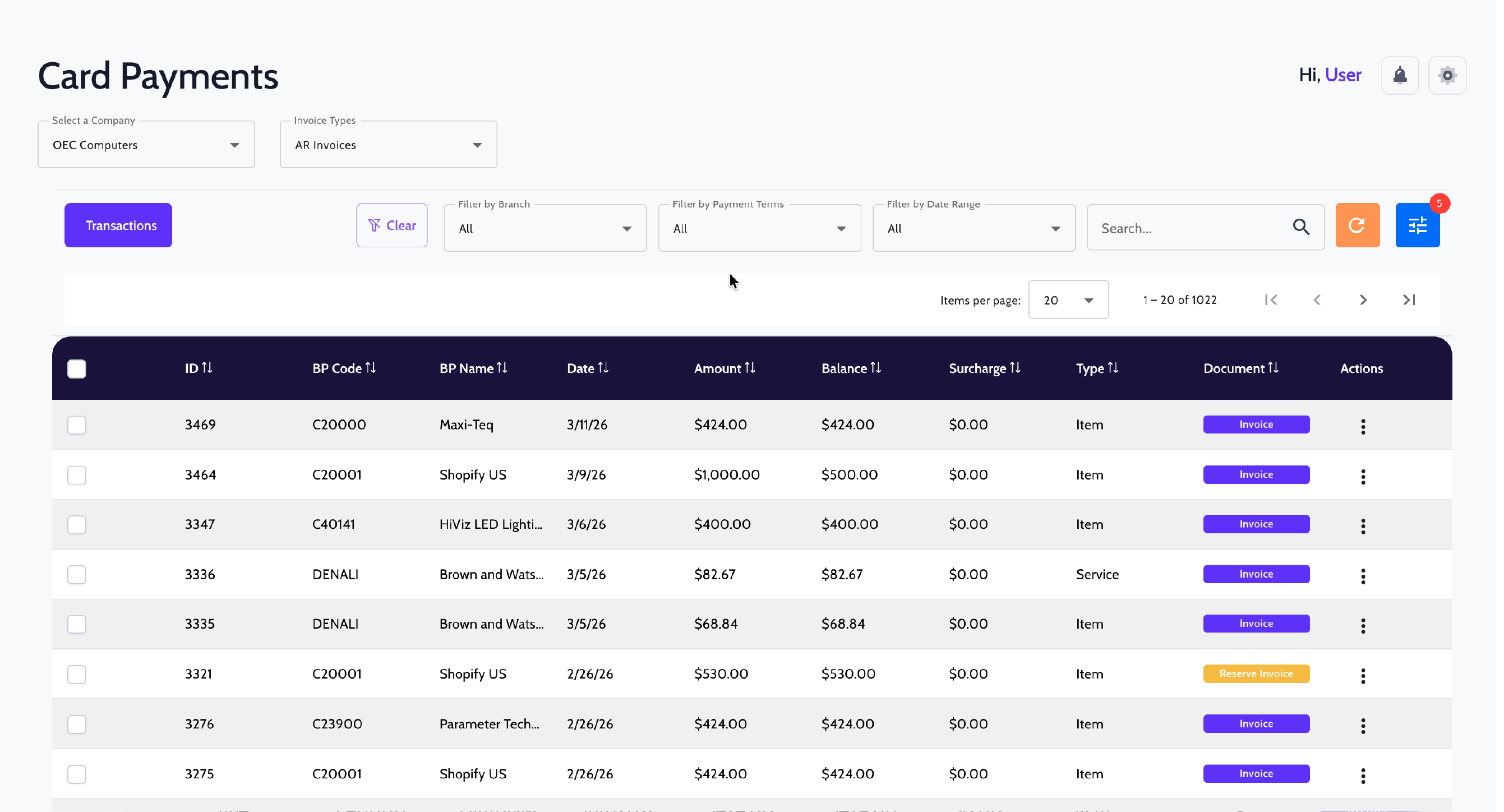
Accept ACH and credit card payments while automatically reconciling and recording transactions in SAP Business One. Charge invoices, close them, and ensure every payment is accurately recorded.
Collecting customer payments shouldn't create more work in SAP
When payment processing and SAP Business One aren't connected, AR teams end up reconciling manually what should have been automatic.
1
Processing customer payments outside of SAP creates reconciliation gaps that have to be fixed manually.
2
Closing invoices one at a time is slow when customers carry multiple open balances.
3
Without a controlled payment link, collecting card payments remotely is harder to manage and harder to trace.
Customer payments that post directly to SAP.
FastBank processes ACH and credit card payments from your AR invoice list while automatically reconciling and posting transactions to SAP Business One.
Finance teams gain clear visibility into submitted payments, including remittance advice and lockbox deposits.
Quick Charge
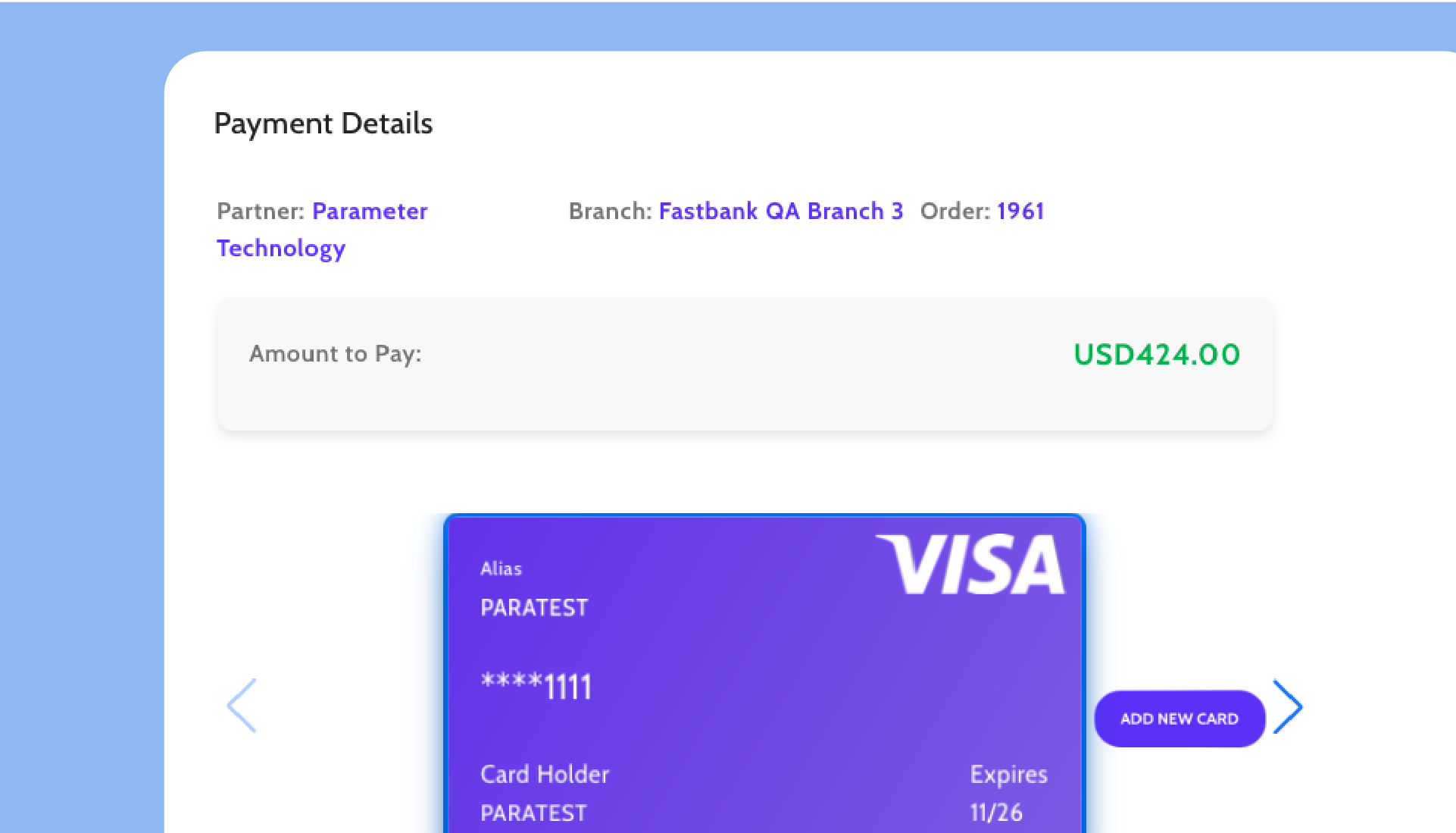
Select an open AR invoice, charge a saved payment method or add a new one, and SAP Business One automatically generates the incoming payment and closes the invoice.
Multiple Invoice Payment
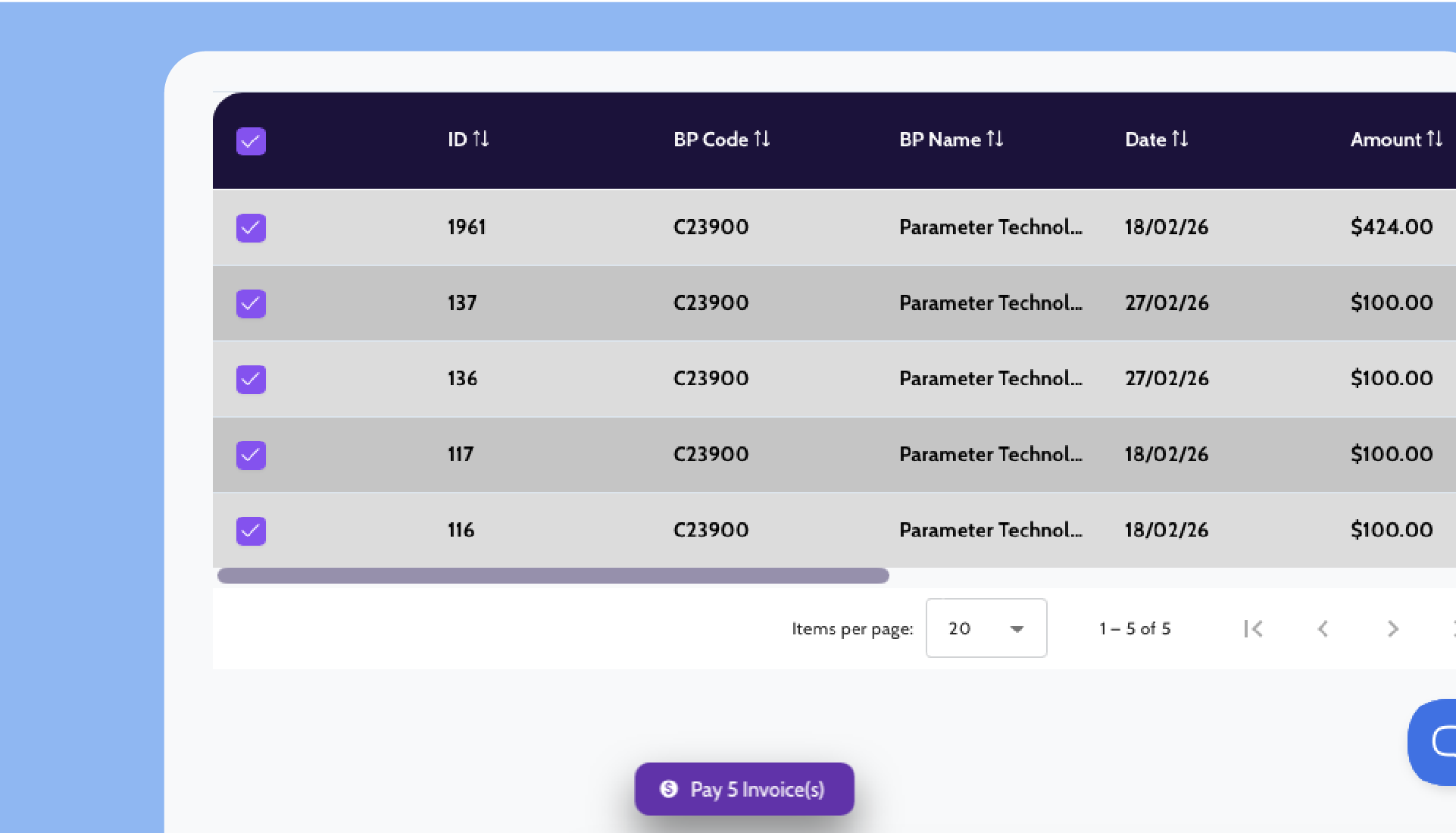
Select multiple open invoices from the same customer and charge them in one step. SAP Business One generates a single incoming payment for the full batch, simplifying reconciliation of customer payments.
Click to Pay
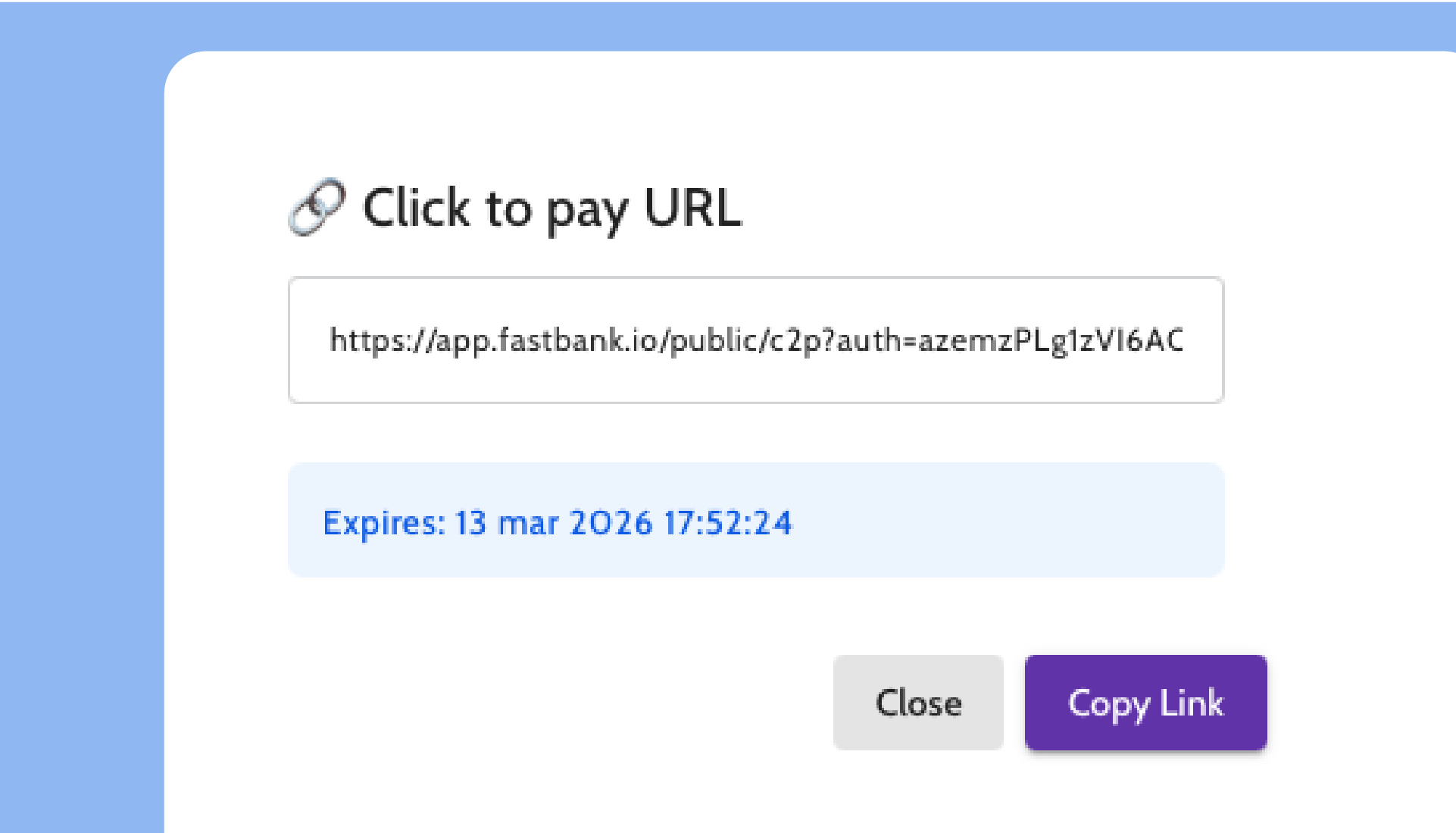
Send your customer a secure payment link. They review the invoice, enter payment details, and complete the transaction. FastBank also supports payments originating from ecommerce and omnichannel platforms including Shopify, Amazon, and eBay.
Refunds
Match a credit memo to the original invoice and issue the refund. SAP Business One generates the outgoing payment while maintaining accurate reconciliation records.
Proven in SAP Business One environments
Backed by deep SAP Business One expertise and proven performance at scale.