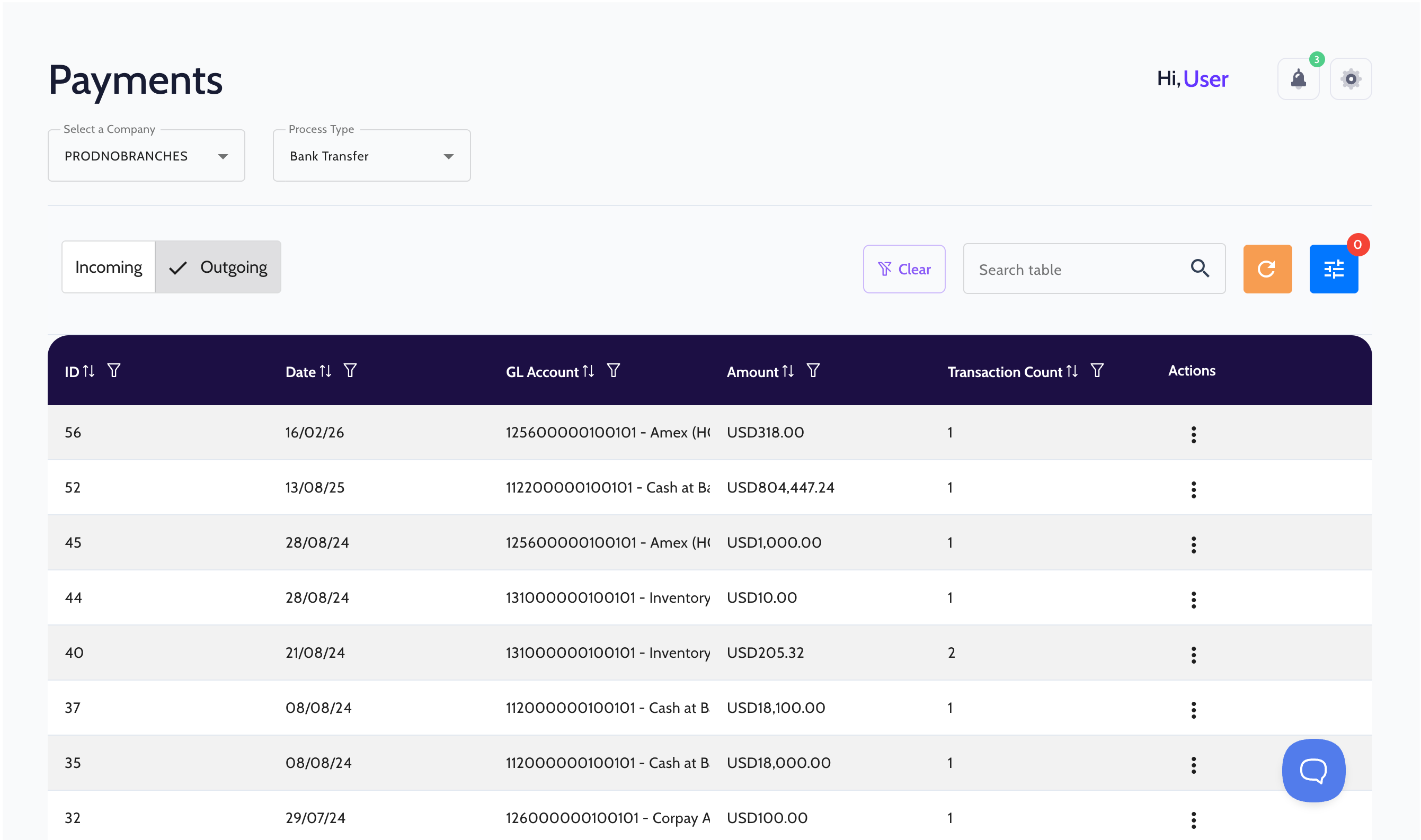
Payment dashboard showing outgoing bank transfer transactions with columns for ID, date, GL account, amount in USD, transaction count, and action menu.

Paying vendors shouldn't require switching between systems.

When payment execution happens outside of SAP, your team ends up managing the same data in multiple places.

1
Scheduling and disbursing vendor payments is often a manual, time-consuming process that is prone to errors.
2
Payment status has to be tracked separately, with no visibility inside SAP.
3
Payments get reconciled after the fact, creating delays and gaps in your AP records.

Vendor payments executed directly from SAP.

FastBank connects your AP workflow to payment execution, so invoices get paid, vendors get notified, and SAP stays up to date automatically.
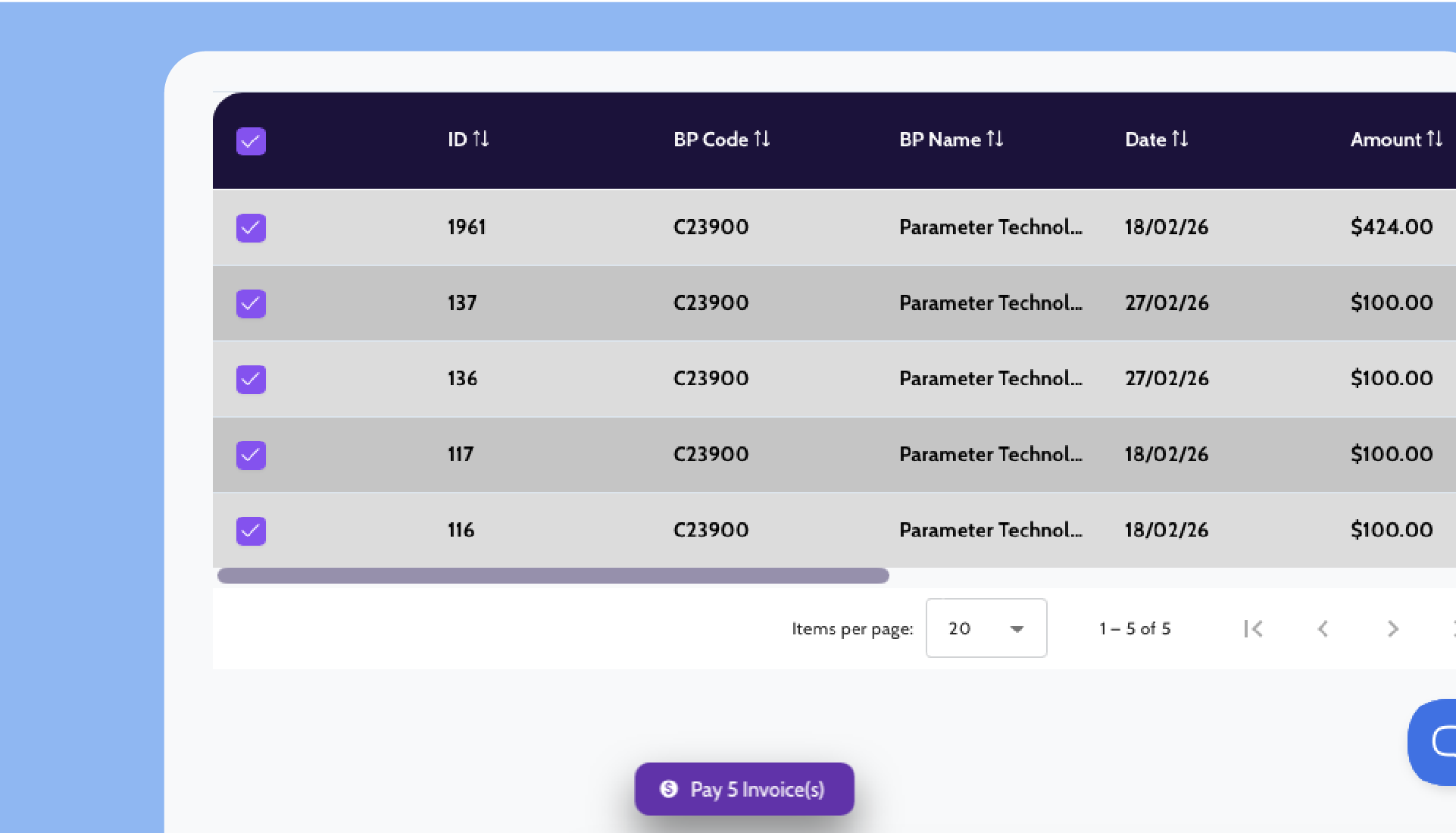
Table displaying 5 invoices from Parameter Technology, showing ID, BP Code, date, and amount with checkboxes selected and a Pay 5 Invoice(s) button below.
Batch Vendor Payments
Select approved invoices and pay multiple vendors in a single run. No manual file exports, no separate portal.
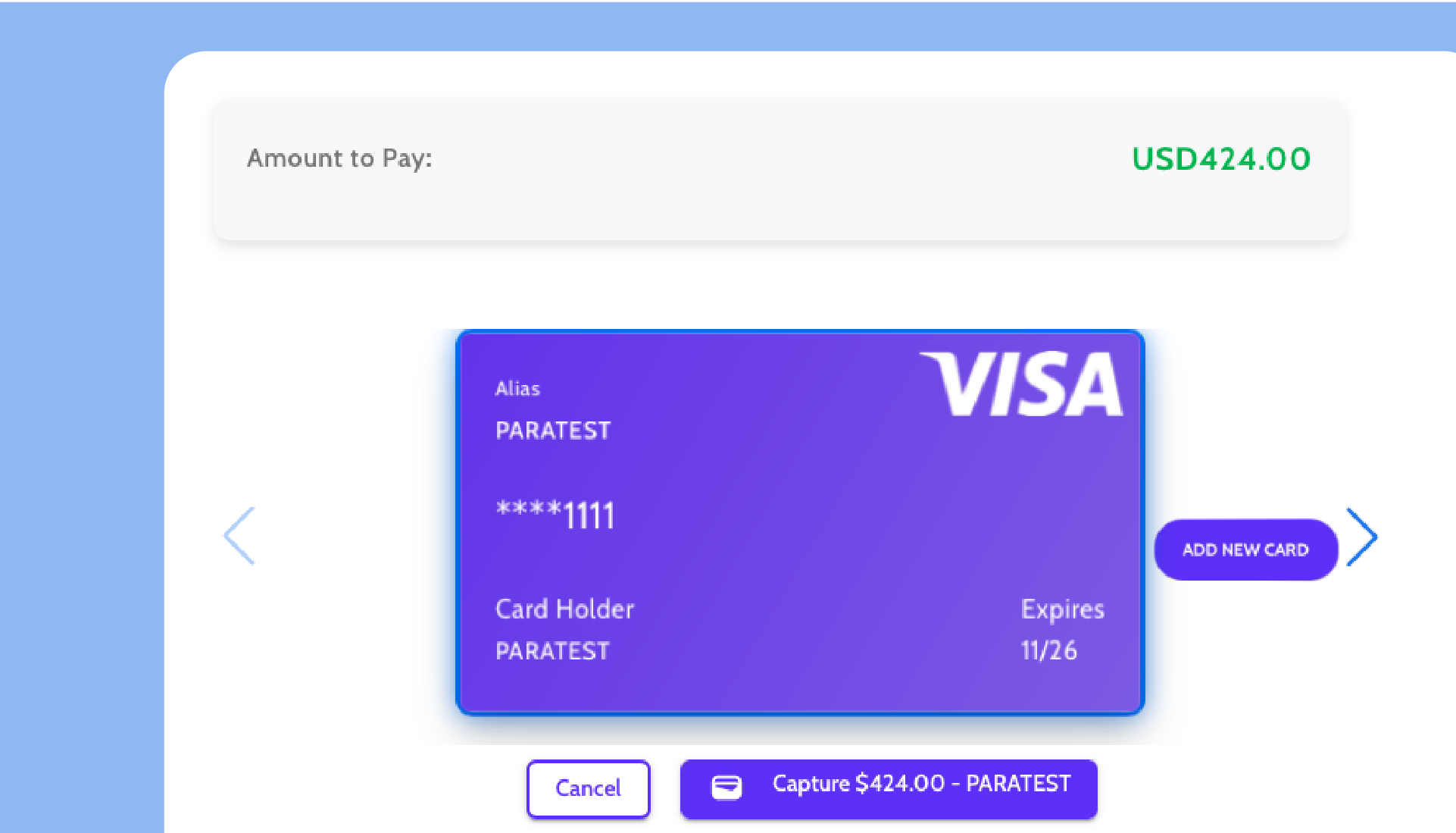
Payment interface showing a Visa credit card with alias PARATEST, masked card number ending 1111, card holder PARATEST, expiring 11/26, amount to pay USD424.00, and options to cancel or capture payment.
Multiple Payment Methods
Pay by ACH, virtual card, check, or wire. Choose the right method for each vendor without changing your workflow.
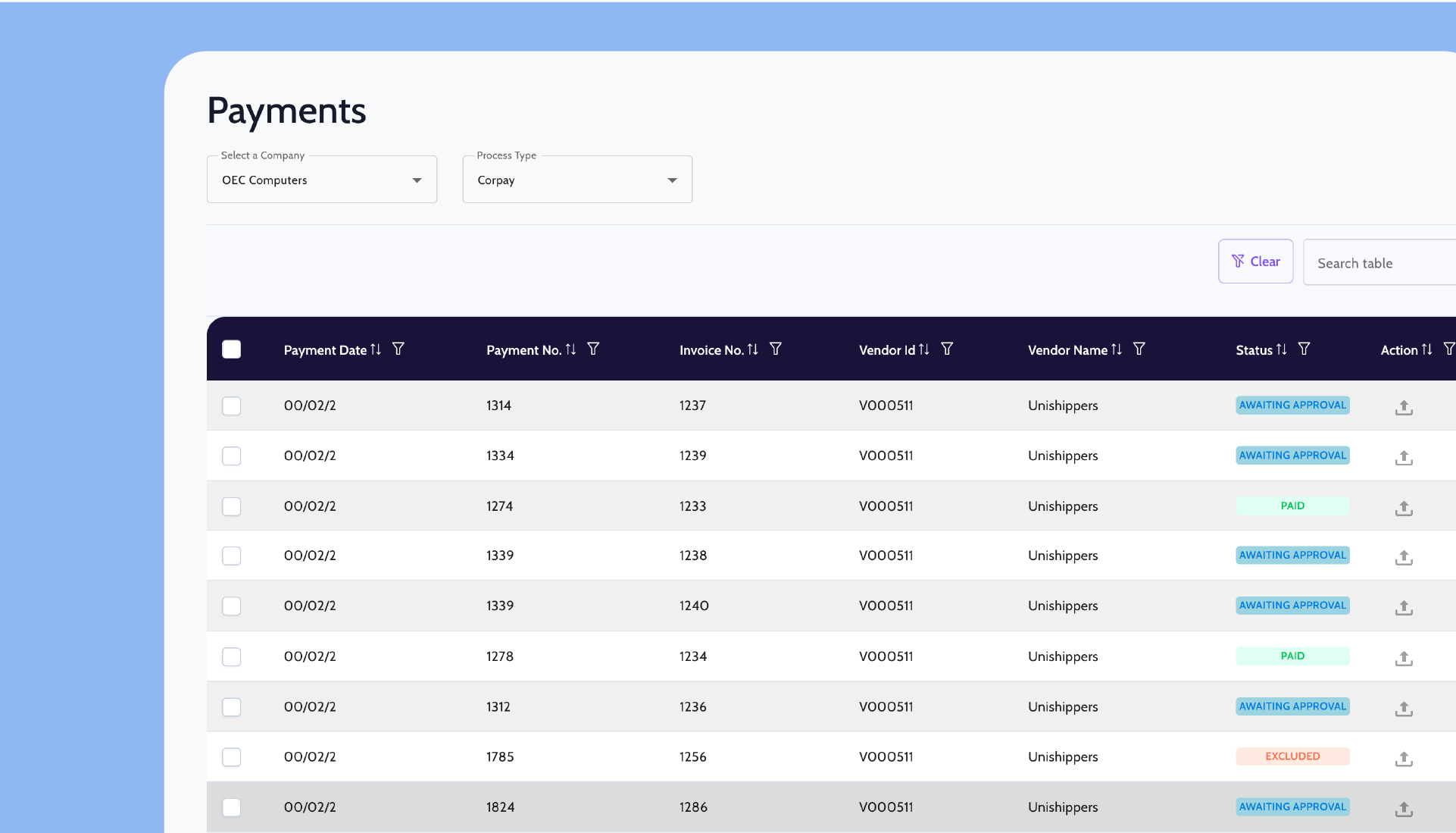
Payments dashboard showing a table with columns for Payment Date, Payment No., Invoice No., Vendor Id, Vendor Name, Status, and Action, with multiple entries from Unishippers and various payment statuses.
Remittance Delivery
Remittance advice is sent to vendors automatically once payment is executed.
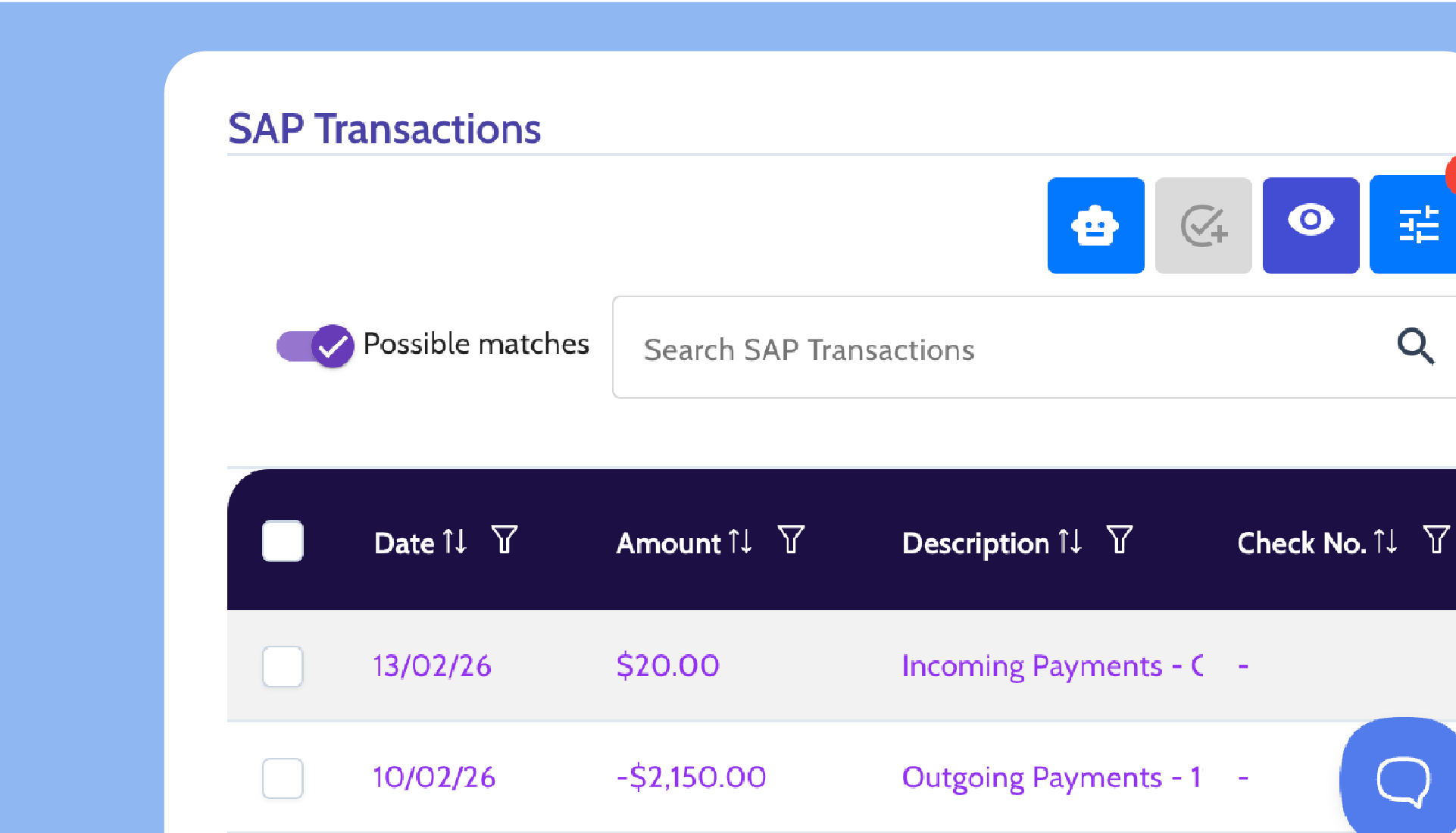
Screen showing SAP Transactions with a toggle for possible matches, search bar, and a table listing transactions by date, amount, description, and check number.
SAP Payment Reconciliation
FastBank reconciles payment activity back to SAP Business One, ensuring payment records stay accurate and aligned with your AP data.

Proven in SAP Business One environments

Backed by deep SAP Business One expertise and proven performance at scale.
See it in action
1
0
1
2
3
0
4
5
k
6
7
8
9
6
+
1
2
3
4
Financial institutions supported
3
0
1
2
3
0
4
5
%
1
2
3
4
faster AR/AP processing
8
0
1
2
3
0
4
5
%
1
2
3
4
Average transaction automation rate
7
0
1
2
3
5
4
5
+
1
2
3
4
years of collective experience in business software and payments

Up and running without disruption.

FastBank connects to SAP Business One and starts processing invoices from day one without changing how your vendors send them.
1

Select invoices
to pay

Schedule vendor payments directly in SAP Business One by selecting approved invoices or running a payment batch.
2

FastBank disburses the payment

FastBank picks up the scheduled payments and generates the payment file or securely processes the disbursement through integrated payment partners.
3

Vendors get paid and SAP stays updated

Vendors receive payment and remittance advice automatically, while payment activity is reconciled back to SAP Business One.

Frequently Asked Questions

What file format do invoices need to be in?

How are payments executed?

How is remittance advice delivered?

How accurate is the data extraction?

What payment methods are supported?

How do payments reconcile in SAP?

See FastBank in action

Request a personalized demo to explore how FastBank integrates with SAP Business One and streamlines your financial workflows.
© 2026 FastBank. All rights reserved.