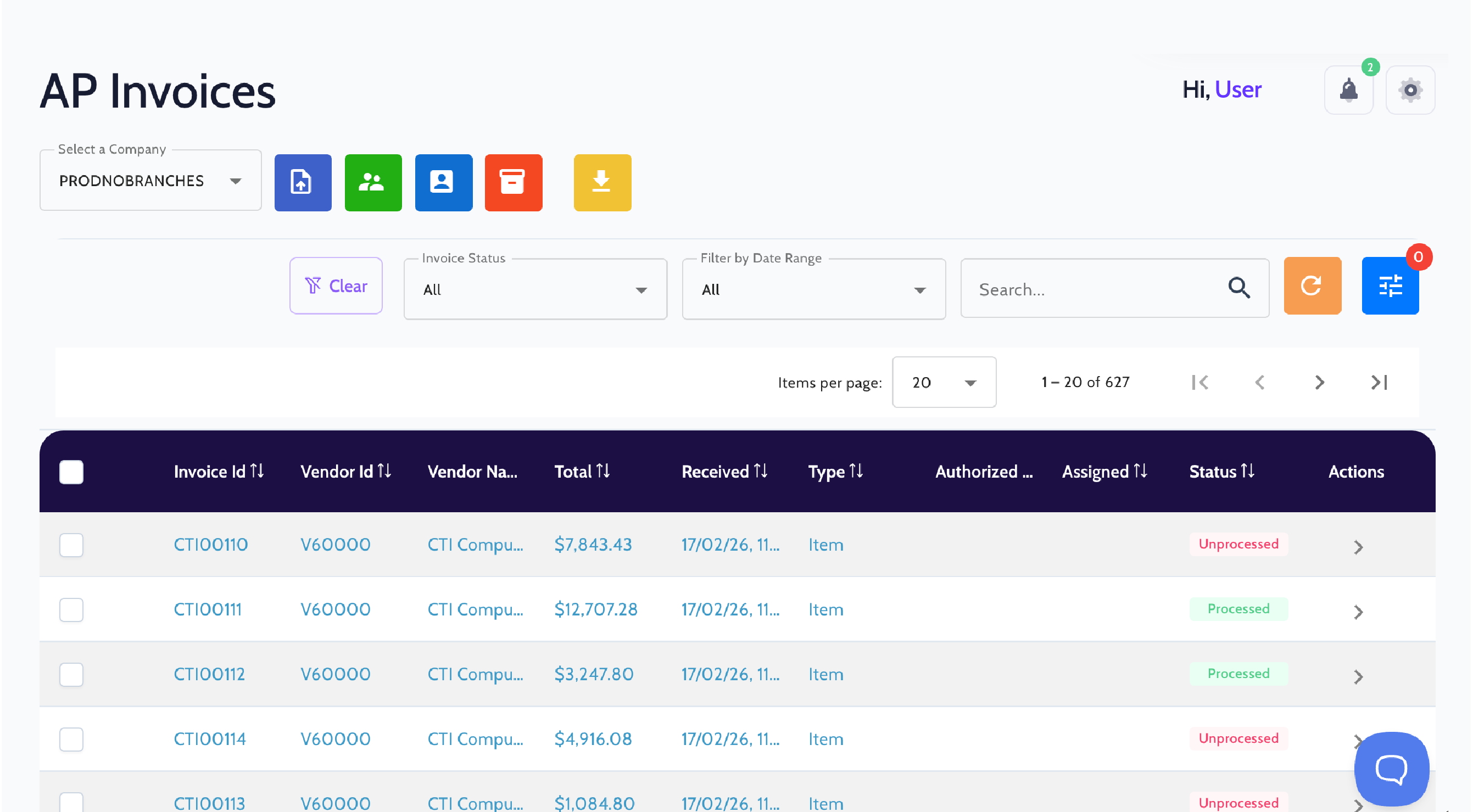
Vendor invoice processing, automated for SAP Business One.
FastBank uses OCR to extract vendor invoice data, performs three-way matching with purchase orders and receipts, routes invoices through a structured approval workflow, and posts the approved invoice to SAP Business One.
Invoice processing shouldn’t slow down your finance team.
Manual invoice processing is slow, costly, and hard to scale. As invoice volumes grow, so does the risk of errors, late payments, and gaps in your audit trail.
1
Manual invoice processing increases the risk of errors and potential fraud while slowing down accounts payable workflows.
2
Without automation, scaling AP means adding headcount rather than improving the process.
3
Disconnected invoice records make it harder to stay compliant and ready for audit.
Everything your AP team needs in one workflow.
FastBank automates the entire accounts payable process, from invoice data extraction and three-way matching to approval workflows and SAP posting.
AI-Powered Data Extraction
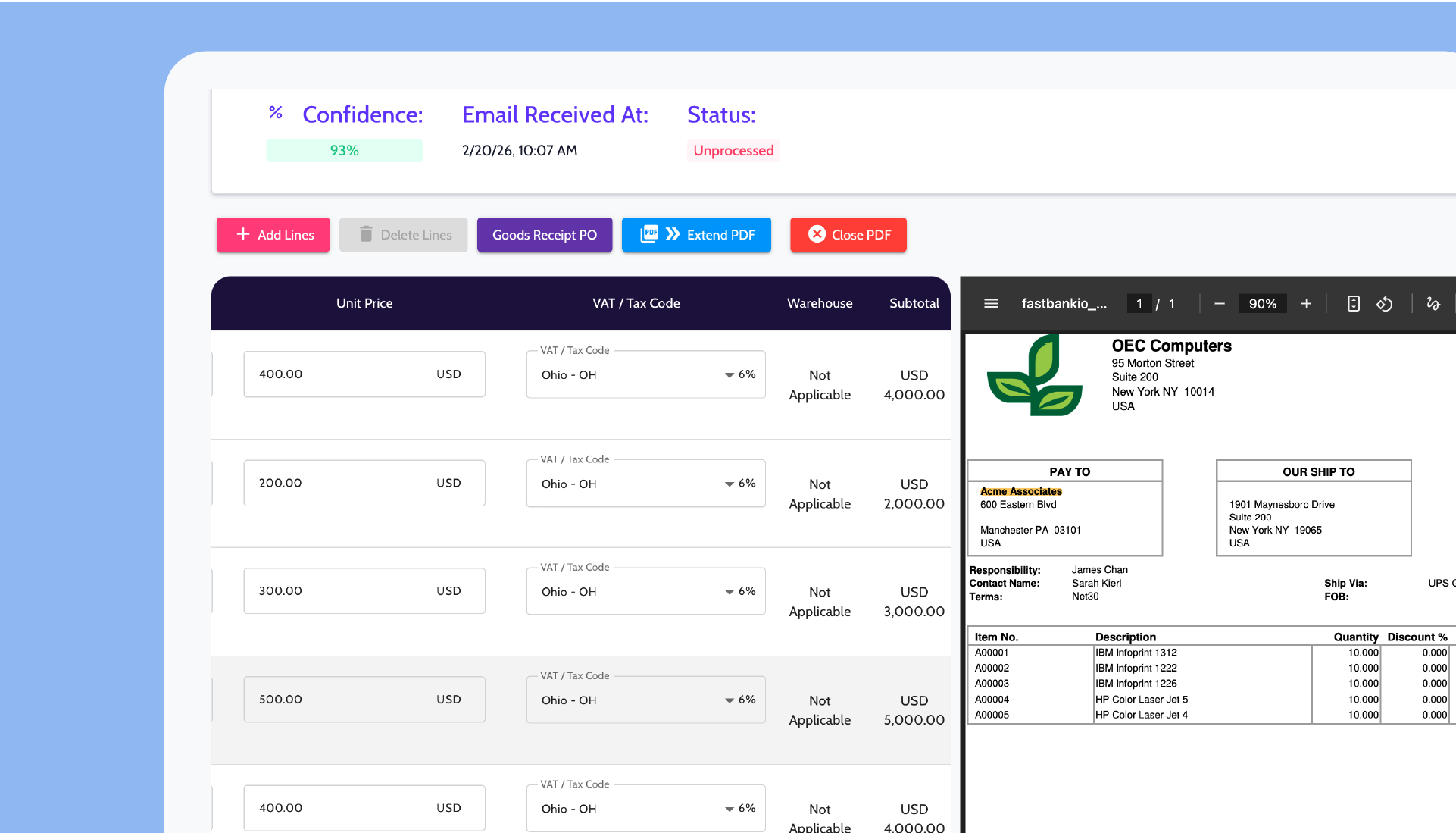
Extract data accurately from vendor invoices using OCR. FastBank can process invoices received as PDFs, emails, Word documents, or image files.
Intelligent Data Validation
Automated validation checks ensure invoice data is accurate before anything reaches SAP Business One. Data validation alerts help identify inconsistencies and reduce potential fraud.
Automated Classification
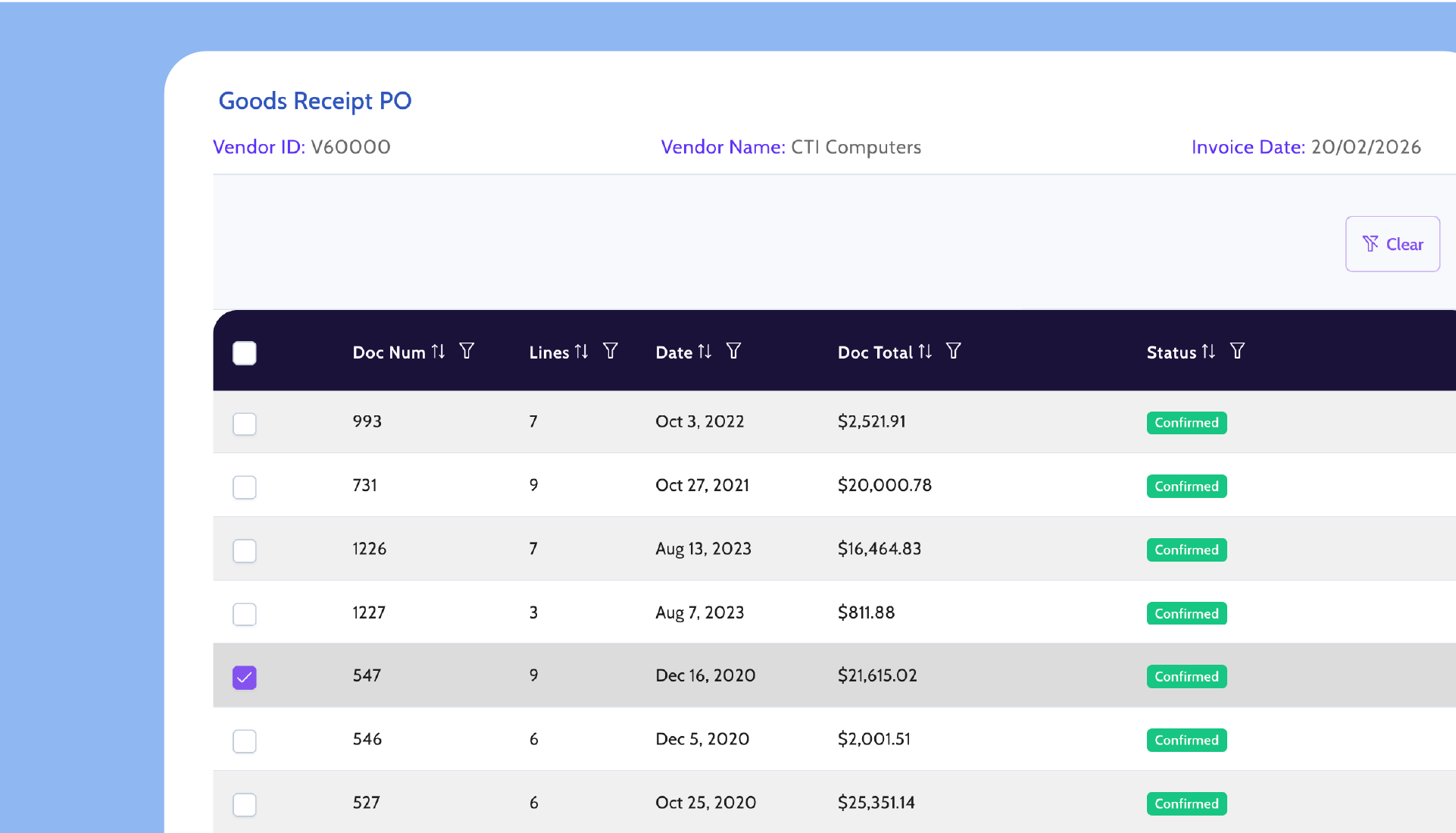
Invoices are categorized and validated as they come in, including three-way matching against purchase orders and goods receipts, helping ensure accuracy before approval.
Customizable Workflows
Tailor the approval process to fit how your team works. Roles, steps, and assignments are fully configurable.
Proven in SAP Business One environments
Backed by deep SAP Business One expertise and proven performance at scale.
Years of collective experience in business software and payments
Works with 10K+ banks
From email to SAP in three steps.
FastBank connects to SAP Business One and starts automating invoice processing immediately, without changing how your vendors send invoices.
1
Capture
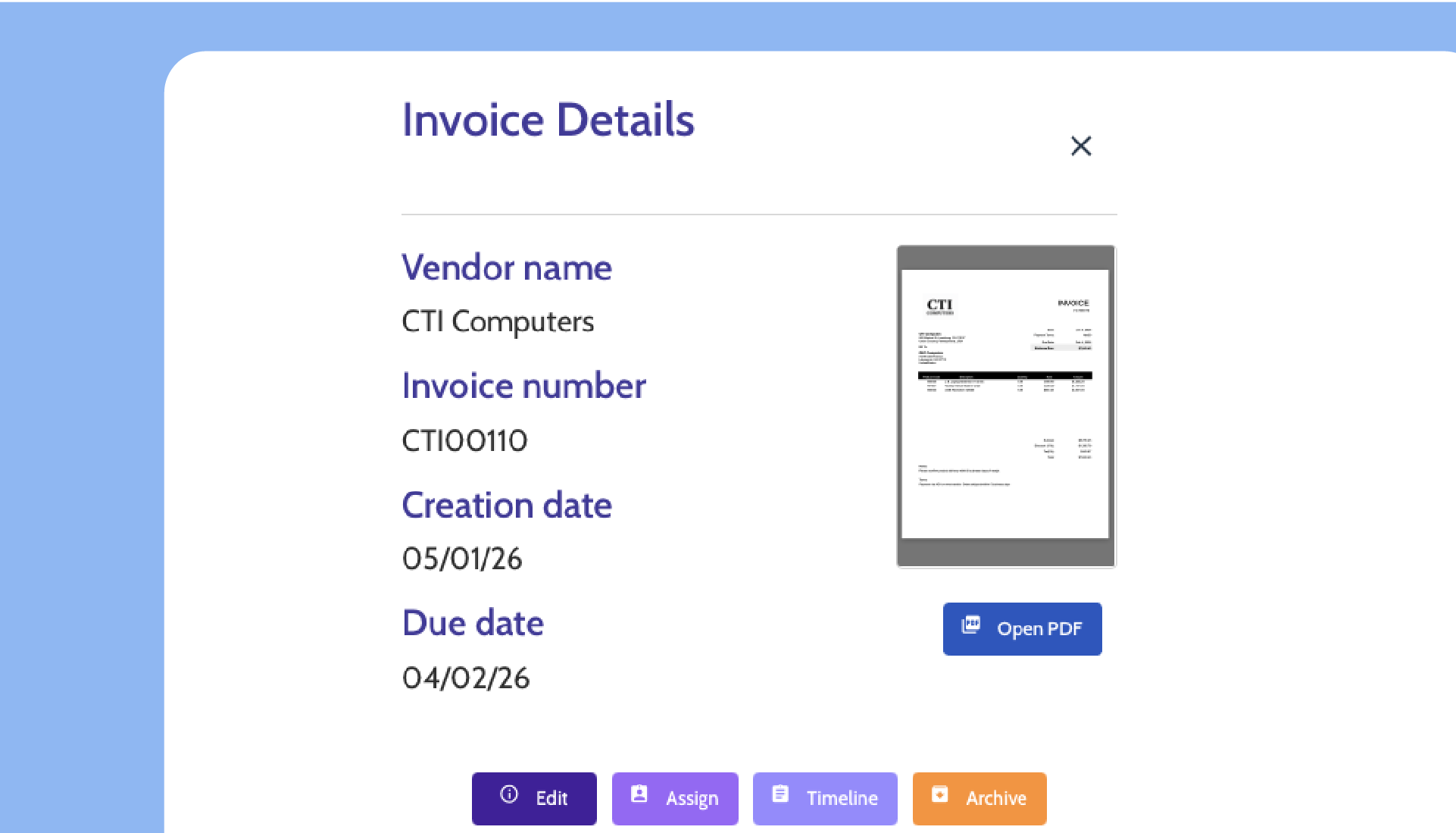
Send vendor invoices to FastBank by email or upload. OCR reads the document and automatically extracts key fields including vendor, date, amounts, line items, and taxes.
2
Validate and approve
FastBank validates the extracted invoice data and can perform three-way matching. Your team reviews the invoice and moves it through the approval workflow.
3
Post to SAP Business One
Once approved, the invoice posts to SAP Business One with the original document attached and is immediately visible in the system.
Frequently Asked Questions
What file format do invoices need to be in?
Can we customize the approval workflow?
Does FastBank classify invoices automatically?
Can FastBank scale as our invoice volume grows?
See FastBank in action
Request a personalized demo to explore how FastBank integrates with SAP Business One and streamlines your financial workflows.