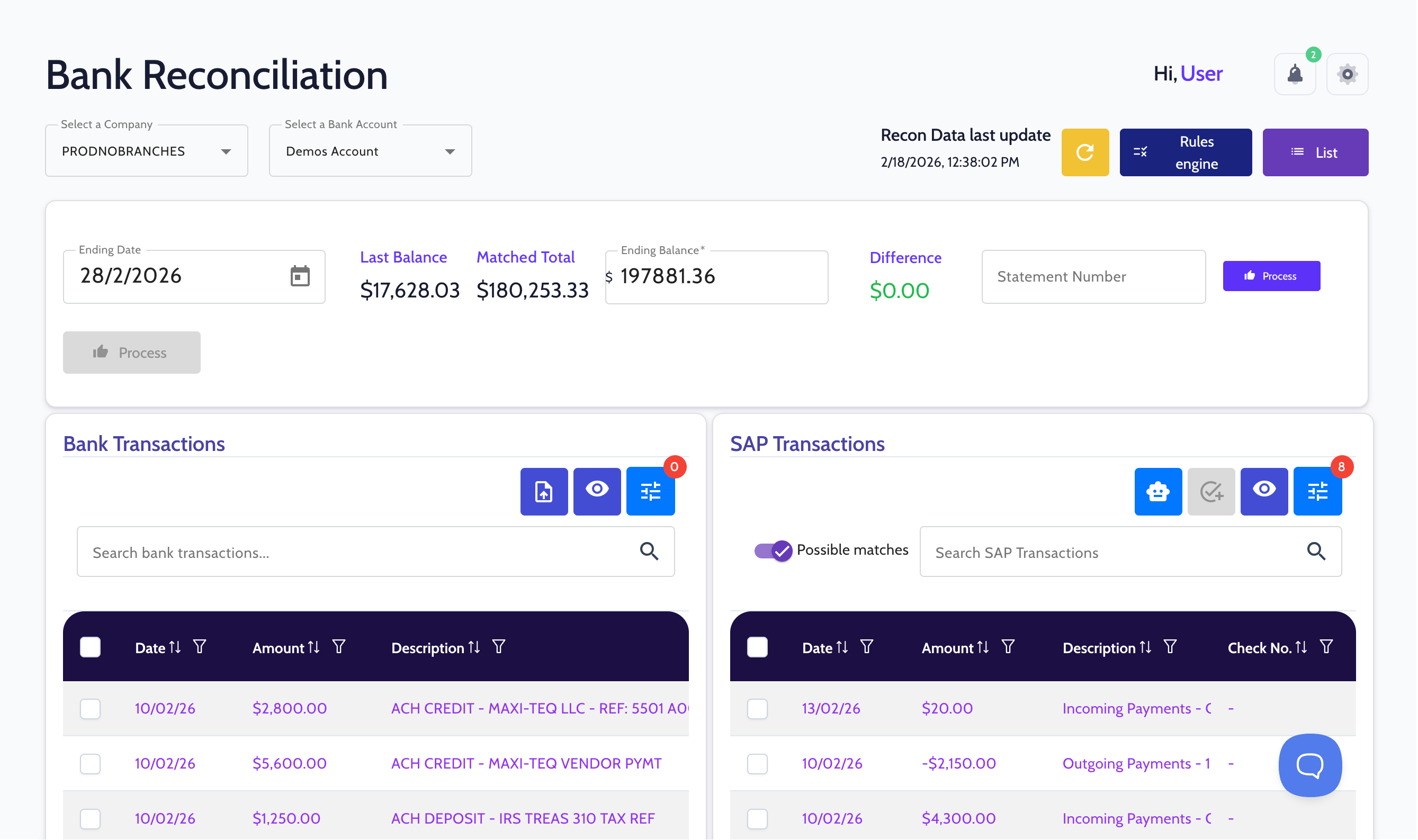
Bank reconciliation dashboard showing company and account selection, balances, transaction lists for bank and SAP with search and filter options.

Manual reconciliation adds unnecessary complexity

When reconciliation relies on manual processes and transaction matching, finance teams lose time and visibility inside SAP Business One.

1
Teams spend hours matching transactions manually
2
Transactions must be manually reviewed and matched
3
Errors and delays impact reporting, cash visibility, and close

Reconciliation automation that works in sync with SAP Business One

FastBank connects your bank accounts to SAP Business One, retrieves transactions automatically, and matches them using your existing SAP data.

Reduce manual processes and keep reconciliation aligned with your existing workflows.
Payments dashboard showing company PRODNObranches, process type Bank Transfer, outgoing payments selected, and a table listing payment IDs, dates, GL accounts, and amounts in USD.
Bank connectivity
Securely connect your bank accounts and retrieve transaction data into FastBank so it can be matched with your SAP Business One records.
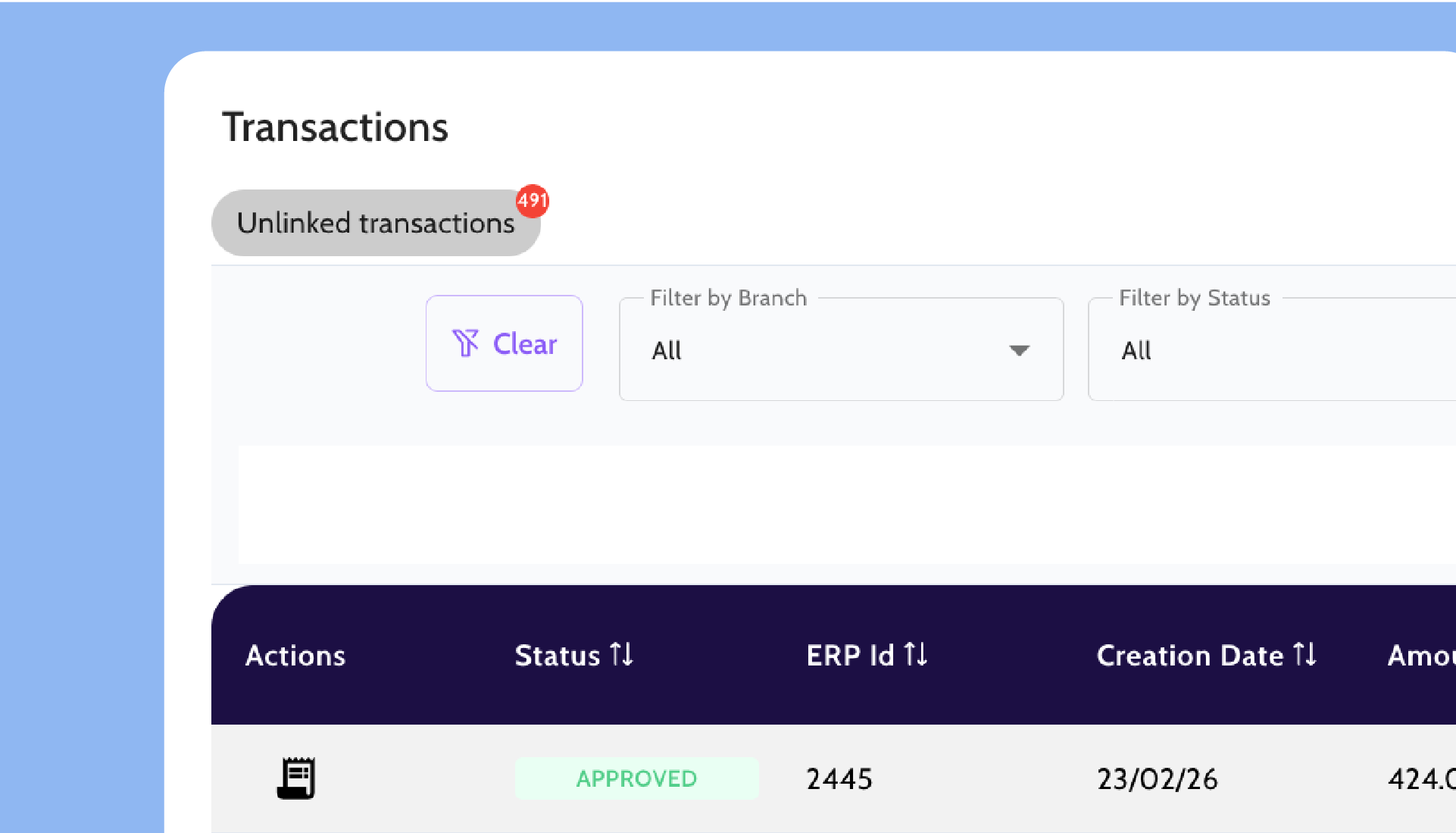
Transactions screen showing 491 unlinked transactions with filter options and a table listing an approved transaction with ERP Id 2445 created on 23/02/26.
Automation Transaction Import
Transactions are automatically retrieved and structured, reducing manual reconciliation work.
Matched Transactions dashboard showing zero counts and totals for Bank Payments, Bank Deposits, SAP Payments, and SAP Deposits with disabled Remove and Export buttons and a search bar.
Intelligent matching engine
Transactions are matched using your existing SAP invoices, vendors, and customers. Rules and logic reduce manual allocation.
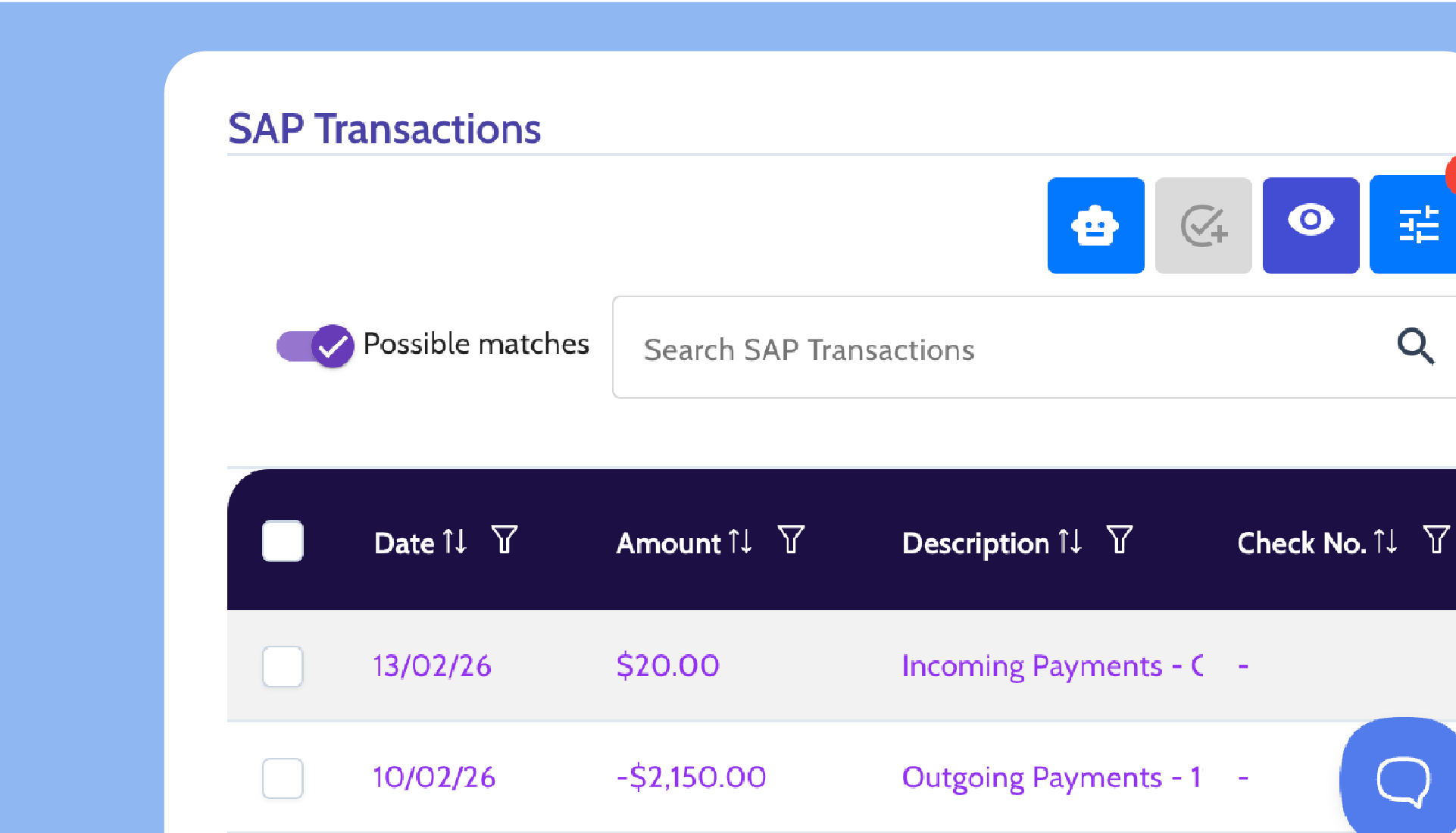
SAP Transactions interface displaying a search bar, filters, and a list with dates, amounts, descriptions, and check numbers for payment entries.
Review and post in SAP
Matched transactions are reviewed and posted back into SAP Business One, preserving your existing workflows.

Proven in SAP Business One environments

Backed by deep expertise and proven performance at scale.  
See it in action
1
0
1
2
3
0
4
5
K
6
7
8
9
6
+
1
2
3
4
Financial institutions supported
3
0
1
2
3
0
4
5
%
1
2
3
4
faster AR/AP processing
8
0
1
2
3
0
4
5
%
1
2
3
4
Average transaction automation rate
7
0
1
2
3
5
4
5
+
1
2
3
4
Years of collective experience in business software and payments

Simple to implement.
Easy to manage.

Built for SAP Business One. Designed to align with existing workflows.
1

Connect your banks

FastBank securely connects your bank accounts and retrieves transactions automatically.
2

Match transactions

Transactions are allocated using your existing SAP data and reconciliation rules, reducing manual effort.
3

Review and post

Matched transactions are reviewed and posted in SAP Business One as part of your standard reconciliation process.

Frequently Asked Questions

How does FastBank connect to bank accounts
in SAP Business One?

Can FastBank handle multiple bank accounts?

What percentage of transactions can be automated?

How long does implementation take?

How secure is FastBank bank connectivity?

Does FastBank support multiple bank
accounts across companies?

See bank reconciliation automated in SAP Business One

Request a personalized demo to see how FastBank automates reconciliation, reduces manual matching, and aligns seamlessly with SAP Business One.
© 2026 FastBank. All rights reserved.